Next Task 6.0.0: a task manager for Joomla

Today we are releasing Next Task 6.0.0, the first version of a task manager for Joomla 4.4, 5 and 6. Personal, shared and team lists, subtasks, recurring tasks and reminders, in the administrator, on your site and on a phone, under the Joomla accounts your team already has.
Why a task manager inside Joomla
Joomla has never had a first-class task manager. Notes end up in scattered modules, reminders need third-party glue, and anything shared usually means a heavyweight project-management suite just to keep a checklist. Next Task is a focused tool that works the way people expect a task app to work. Lists and tasks stay in your own database, and there is no limit on the number of users.
Lists, subtasks and a board of everything
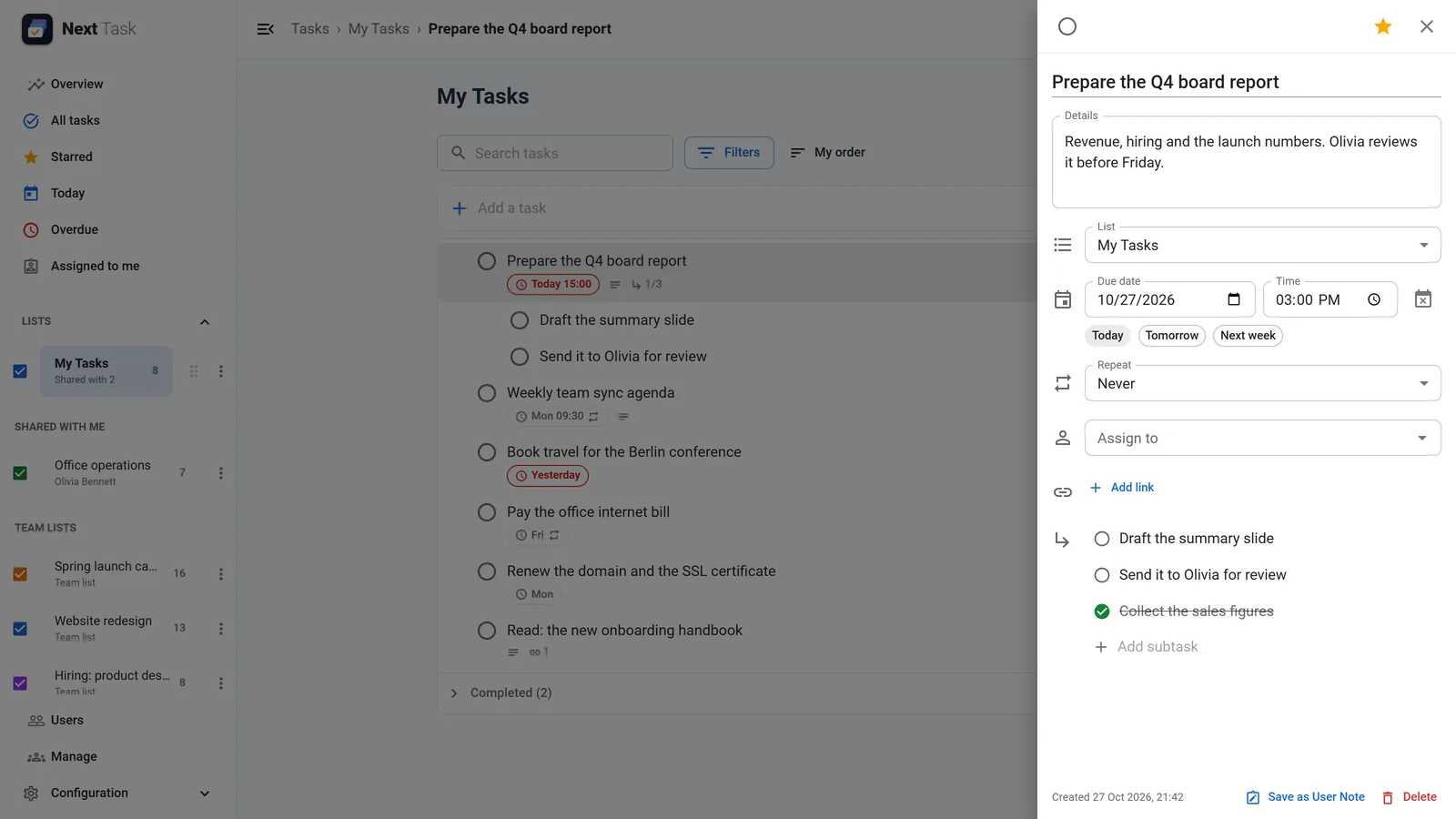
Every user gets their own lists. A task has one level of subtasks, a due date with an optional time, a star, links and an assignee, and tasks stay in the order you drag them into. All tasks puts every list you can reach side by side as a board: drag tasks between lists, and the columns into your own order.
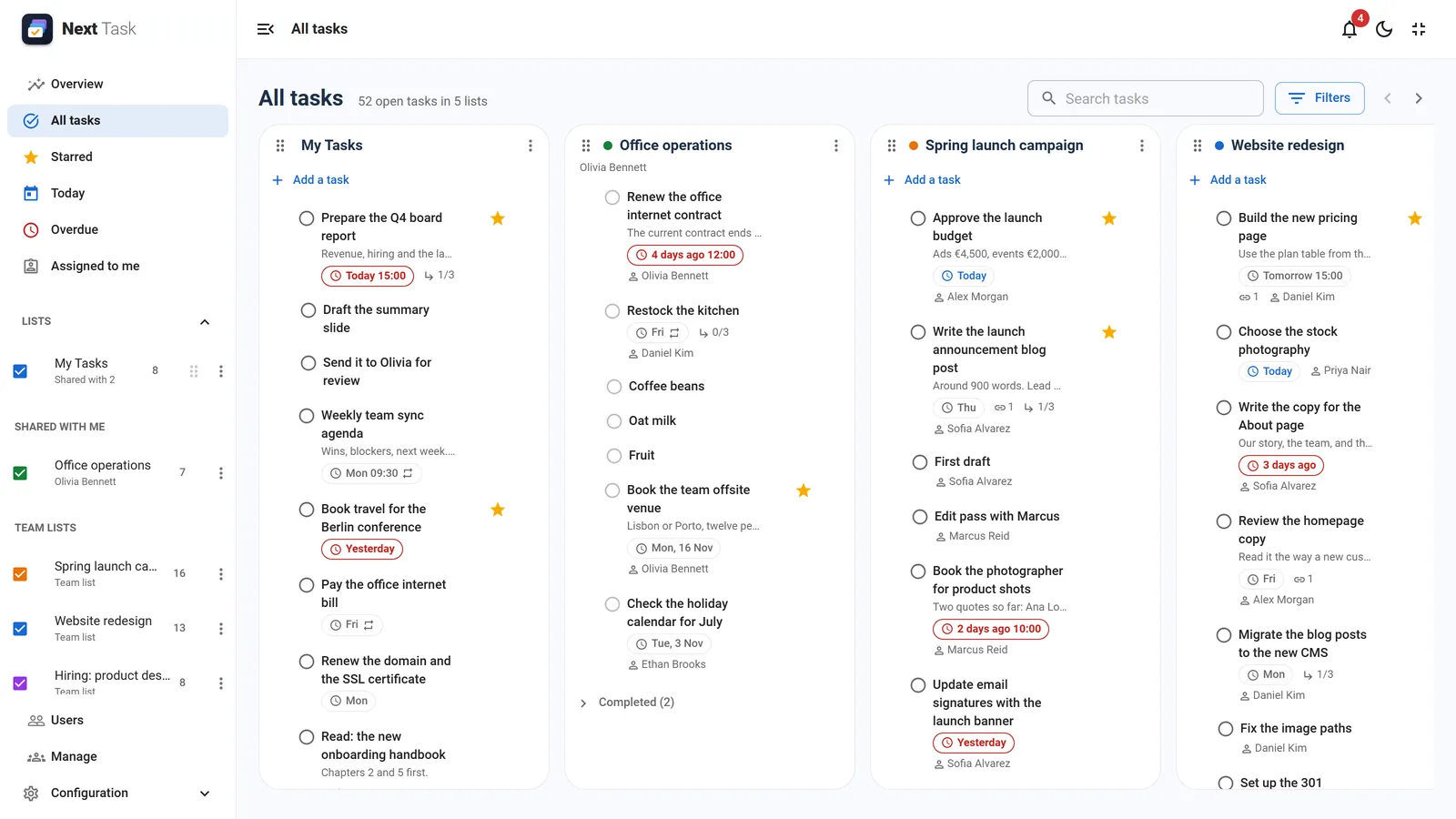
Starred, Today, Overdue and Assigned to me gather the work of every list, counted in the site's time zone so everyone sees the same day. A drawer holds everything about a task and saves as you type, deleted tasks come back with Undo, and single-key shortcuts and bulk actions keep long lists quick.
Recurring tasks and reminders
- Recurring tasks: daily, weekly on chosen weekdays, monthly or yearly, every N periods, ending on a date or after a number of times. Completing one creates the next exactly once, with its subtasks reopened.
- Reminders: an email at a timed task's due time, or a set number of minutes before, through Joomla's Scheduled Tasks.
- Daily digest: one email a day with today's and overdue tasks, at each person's own time.
- Notification bell: assignments, shared lists, completed tasks and due reminders in the header, with an unread count.
Shared lists and team lists
Share any list with people or whole Joomla user groups, to view or to edit. Team lists belong to the site rather than to one person, so nothing needs handing over when someone leaves; they are run from the Manage screen, which also moves a list to another person and shows every share on the site on one page. Assign a task to anyone who can reach its list, and they get an email, a notification and the task in Assigned to me.
Roles, quotas and oversight
Roles decide who may do what: twenty permissions, set out by feature, over tasks, lists, team lists, the Overview, users, oversight and configuration, given to users or whole groups. Next Task comes with Administrator, Manager, Member and Viewer roles. On installation, Member goes to Registered and the other top-level groups and Administrator to the administrators, so everyday use works out of the box. Each role can also carry quotas: the most lists a person may own and the most open tasks a list may hold.
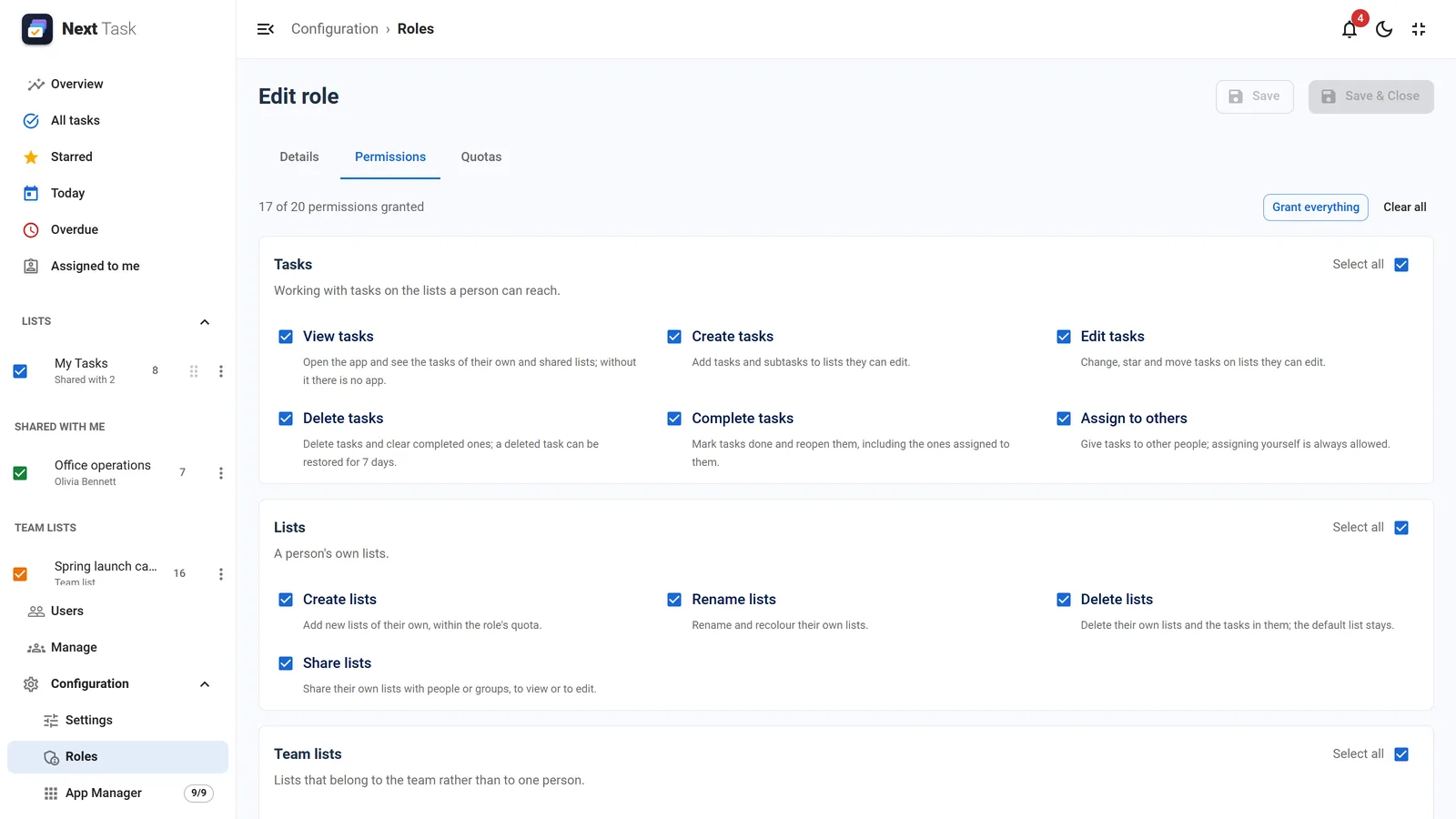
For team leads, the Overview shows site-wide figures, a 30-day created and completed chart and who carries the most open work, and the Users page lists everyone's open, overdue and assigned tasks, with read-only access to a person's tasks. The roles and quotas guide walks through each permission.
Try it with demo data
One click in Settings loads sample lists and tasks, so you can try Next Task straight away, and removes them again without touching your own data.
On your site and on your phone
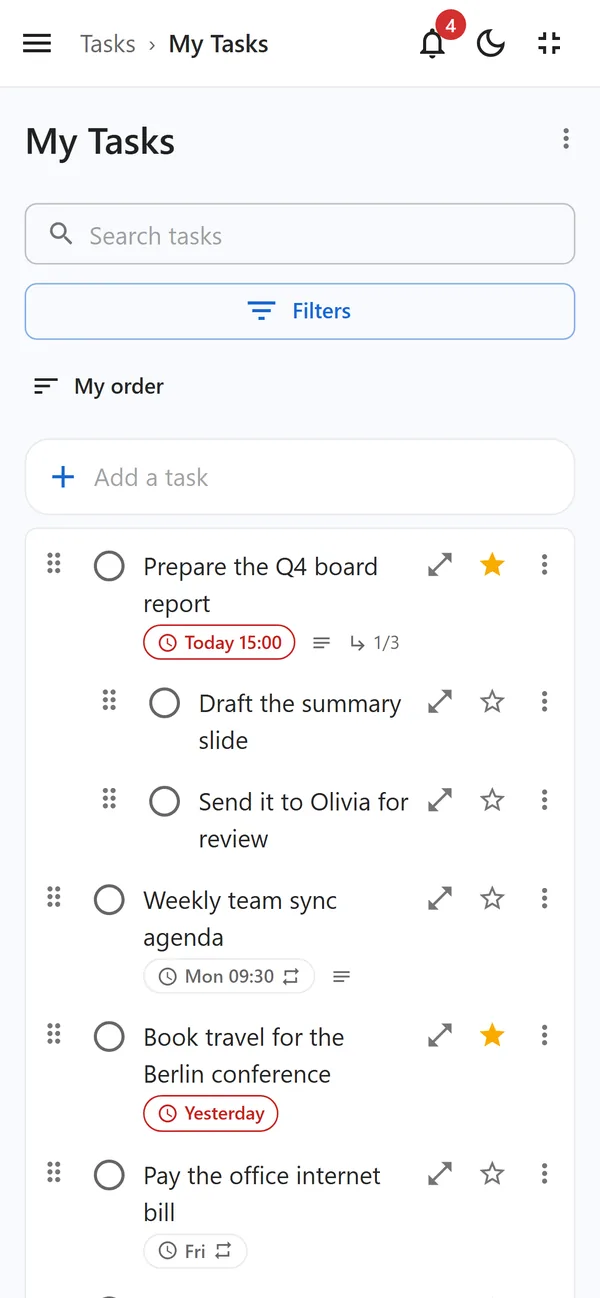
Add one Next Task menu item and signed-in site users work on their tasks without any access to the administrator, embedded in your template or full screen. The app is responsive from phone widths up, and on HTTPS sites it can be installed on a phone or a computer like an app, with recently viewed lists readable offline.
Built for Joomla
- Requirements: Joomla 4.4 or later, Joomla 5 and 6 included, on PHP 8.1 or later, with MySQL 8 or MariaDB 10.4 or later. One package installs everything and enables its plugins.
- REST API: lists and tasks on Joomla's Web Services, with the standard API token and the same permissions as the app.
- User Notes: file a task as a Joomla User Note, or turn a note into a task.
- Privacy: GDPR export and removal through Joomla's privacy tools, and actions in the User Actions Log.
- App Manager: switch off the board, recurrence, sharing, reminders, notifications, the Overview or the installable app without losing their data.
Why Next Task is a good choice
- Open source. Next Task is licensed under the GNU GPL, like Joomla itself. You can read every line, adapt it to your needs, and you are never locked in.
- No per-user fees. Add your whole team. There is no limit on users, and the price does not grow with your team.
- Your data stays home. Lists and tasks live in your own Joomla database, with no outside service in between.
- Native to Joomla. It uses your Joomla users, groups, languages, mail and Scheduled Tasks, and it updates through Joomla's own updater like any other extension.
Ready to try it? The quick start takes you from the package to your first shared list in a few minutes.