Editing & preview
Reading and changing file contents without downloading them first.
The text editor
Right-click a text or code file and choose Edit. A CodeMirror editor opens over the browser with syntax highlighting for the file's type.
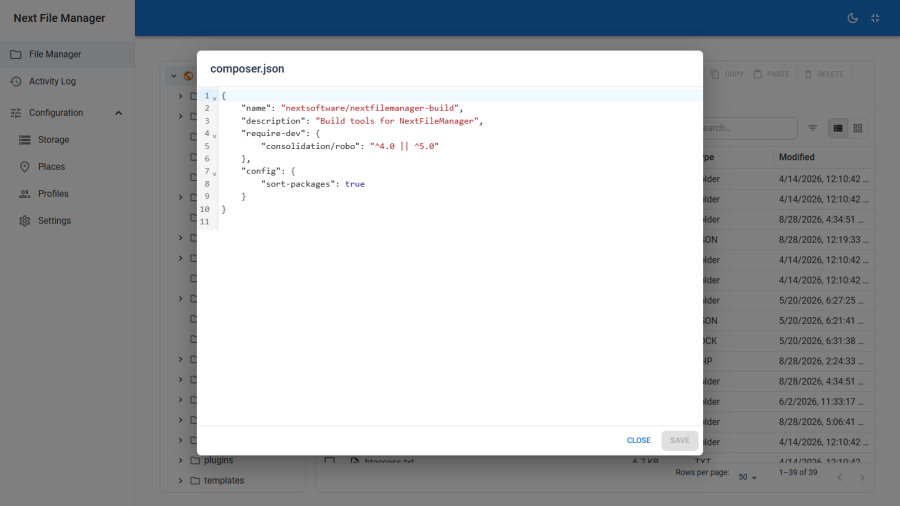
Highlighting modes are available for PHP, JavaScript, CSS, HTML, JSON, SQL, XML and Markdown. The editor is offered for these extensions:
txt  md  markdown  json  xml  yml  yaml  ini  csv  log
html htm  css  scss  less  js  mjs  jsx  ts  tsx
php  sql  sh  conf  env  htaccess
Anything else is treated as binary and gets no editor.
Saving writes the file back in place. It requires the edit command, a writable root, and an unprotected path. Note that several of the extensions above — env, htaccess — commonly match a protected pattern or the secret-file list, so the editor will open on some of them only for a Super User, and on .env for nobody below one.
The preview lightbox
Right-click an image or media file and choose Preview for a full-screen lightbox. Arrow keys move through the other previewable files in the same folder.
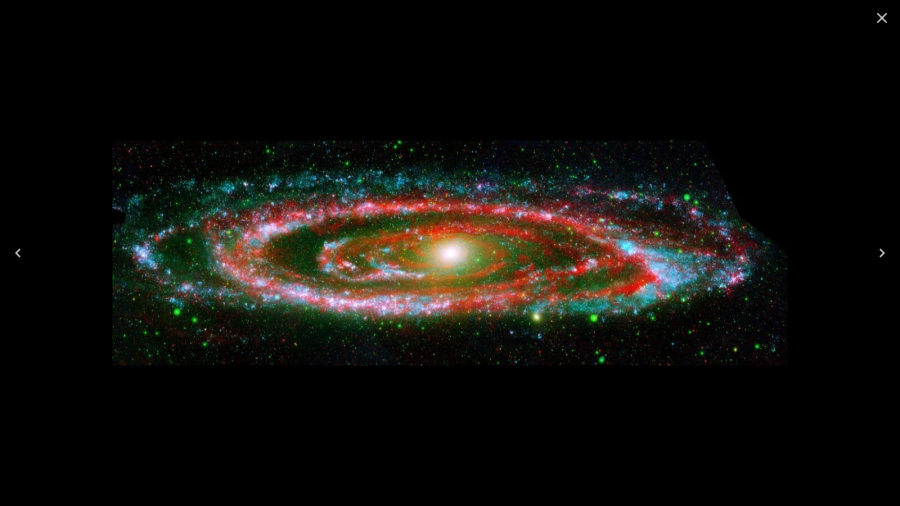
Images render directly. Video and audio stream by byte range where the driver supports range reads, so you can scrub the timeline without waiting for the whole file — see the capability notes in Storage. On a driver without range support the player has to buffer from the start.
PDFs open in a new tab rather than the lightbox.
SVG files are not previewed. An SVG can carry script, so the backend refuses to stream it inline — serving it in the page context would be a cross-site scripting vector. Download it, or open it in the text editor.
Grid view and thumbnails
Grid view renders a large type icon per item, with a padlock badge on anything protected. It does not render image thumbnails: to see what a picture looks like, open it in the lightbox.
Configuration → Settings carries a Generate image thumbnails switch, and the preview endpoint accepts a thumbnail request, but the grid does not currently consume it — so toggling that switch does not change what the grid shows. Treat grid view as a structural view of a folder rather than a contact sheet.
What is never previewable
Secret files — configuration.php and its backups, .env and .env.*, *.key, *.pem, .htpasswd — cannot be previewed, read, downloaded or copied below Super User. Preview is a read, and reads of these files are refused by the same gate that refuses downloads.
See Protection.