Business
The Business section holds your contact details and the data for search engines.
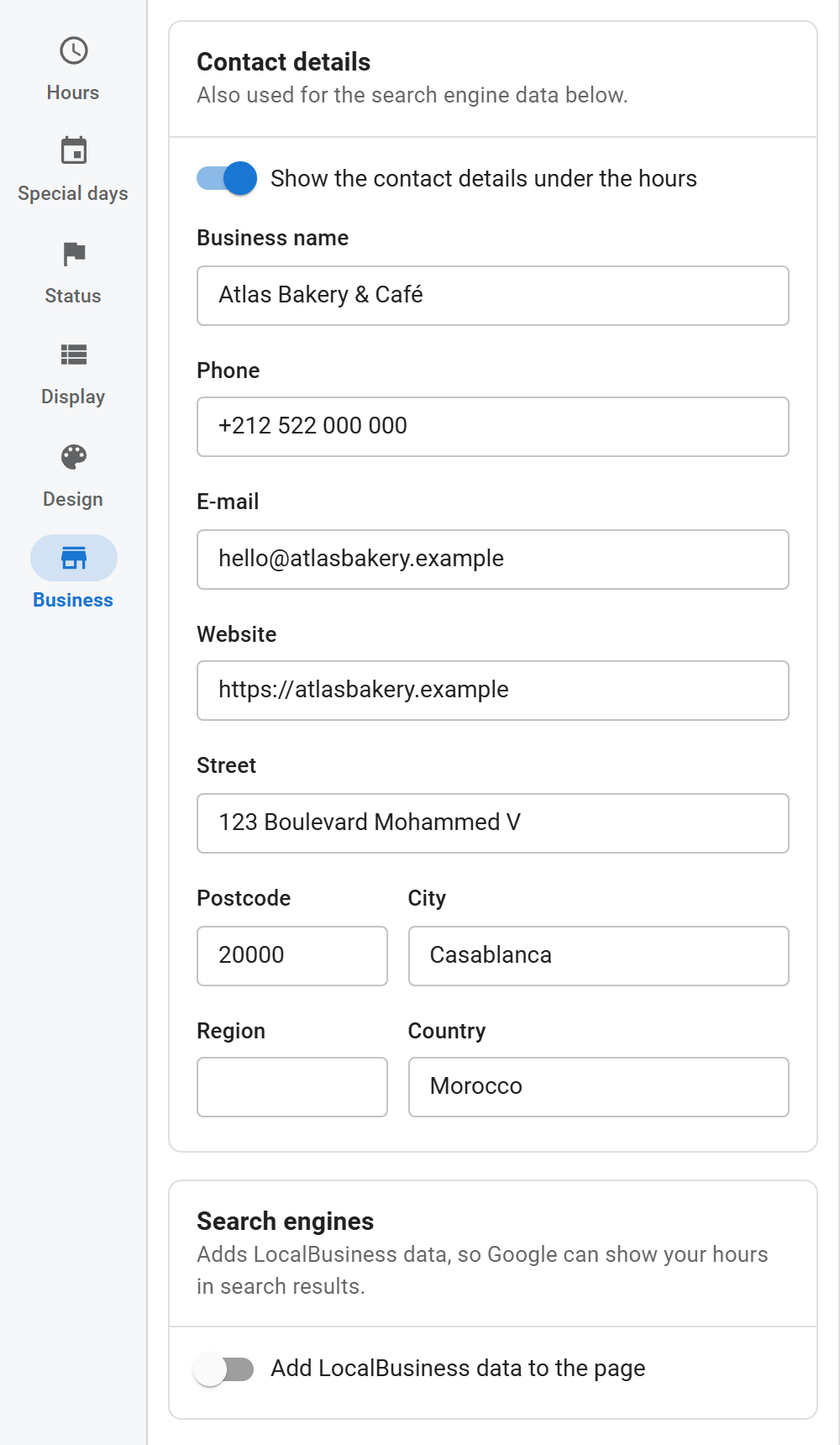
Contact details
- Show the contact details under the hours: shows a block with the details below the hours.
- Business name, Phone, E-mail, Website
- Street, Postcode, City, Region, Country
The phone number becomes a call link and the e-mail a mail link. The address opens Google Maps in a new tab: at your coordinates when you set them, otherwise as an address search. Nothing is loaded from Google until the visitor clicks.
The contact details are used by the search engine data below even when the block is hidden.
Search engines
- Add LocalBusiness data to the page: adds JSON-LD structured data with your opening hours.
- Type of business: 34 schema.org types, from Local Business, Store and Restaurant to Dentist, Hair Salon, Gym and Museum. Pick the closest one.
- Price range: for example
€€or$10 – $30. - Logo or photo: click Choose to pick an image with Joomla's media manager, or type a path such as
images/logo.pngor a full URL. A small preview shows next to the field. - Latitude and Longitude: decimal coordinates, for example 33.5731 and -7.5898.
See Structured data for what is included and how to test it.
Add the data once per business. If two modules show the same business on one page, switch it on in only one of them.