Special Days
Special days replace the regular or seasonal hours on their dates: holidays, closures, short days or an extra opening.
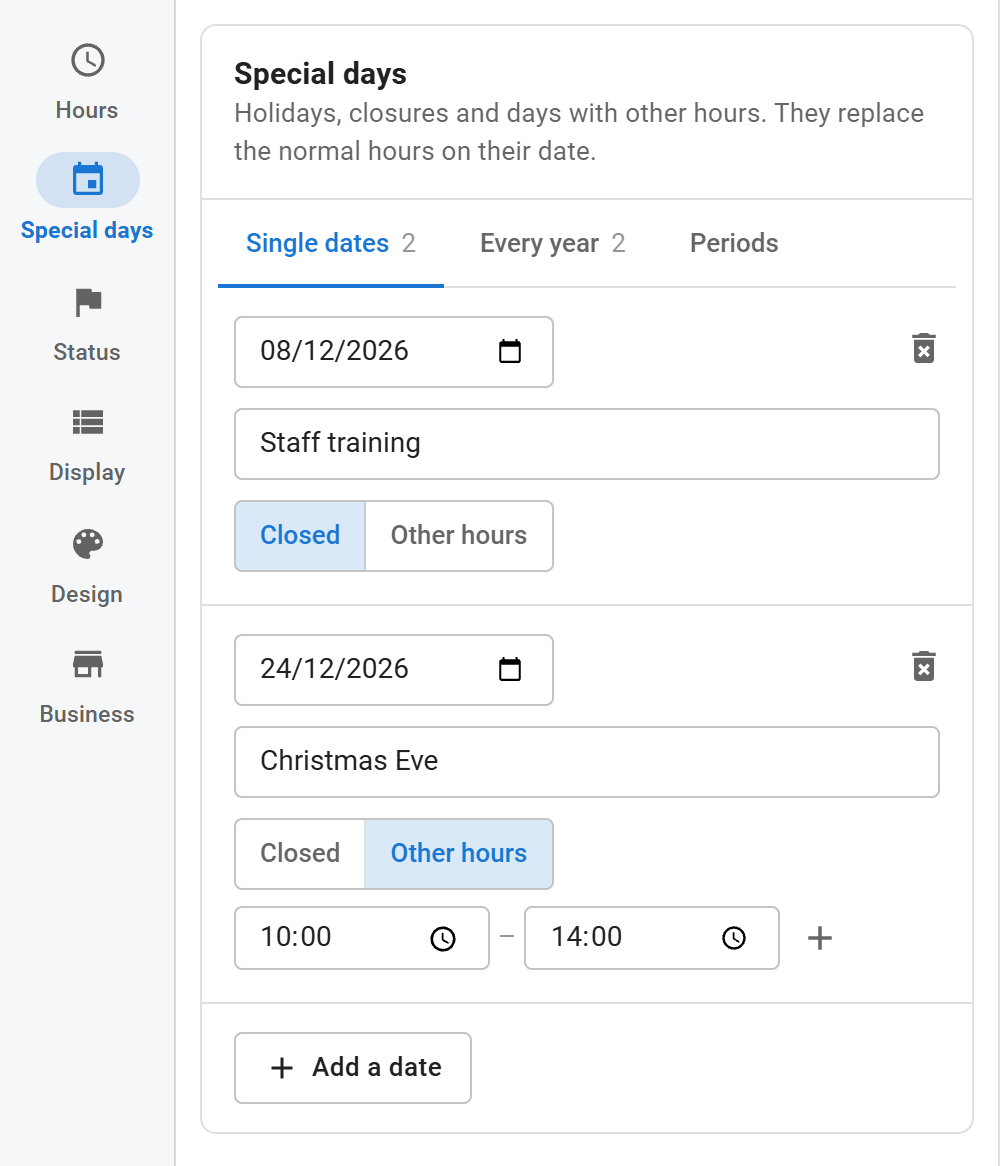
Three kinds
| Tab | Use it for | Example |
|---|---|---|
| Single dates | One day, once | Stocktaking on 8 December 2026 |
| Every year | The same day every year | New Year's Day, Christmas Day |
| Periods | Several days in a row | Summer closure 1 – 15 August |
Click Add a date, Add a yearly date or Add a period, then:
- Set the date, the day and month, or the from and to dates.
- Type a Name. Visitors see it in the list of upcoming changes, and it can appear in messages through
{label}. - Choose Closed or Other hours. Other hours work like a normal day: one or more ranges, added with +.
The delete icon at the end of the first line removes an entry.
Quick add
Every year offers one-click entries for New Year's Day, Labour Day, Christmas Day and Boxing Day. Rename them if your country uses other names.
Past dates
Single dates and periods that are over are greyed out and marked Past. Remove past dates at the top of the section deletes all of them at once. Yearly dates are never past.
How special days apply
- A special day owns its whole date, from midnight to midnight.
- If the day before ran past midnight, that overnight session ends at midnight when the next day is special.
- A special day wins over seasonal hours and the regular week.
Upcoming changes
Special days and season starts coming up soon are listed under the hours. Turn the list on or off and set how far ahead it looks under Display > Upcoming changes.