The Studio
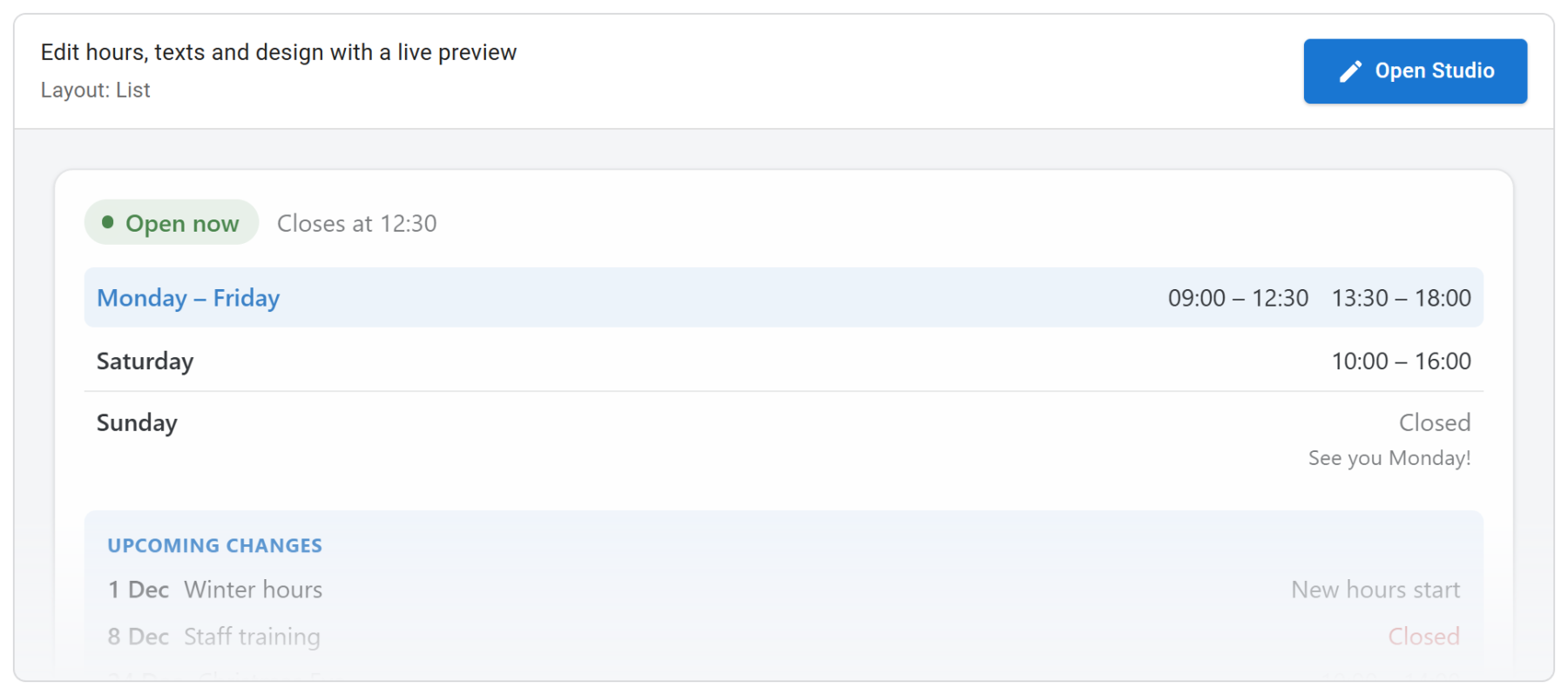
All settings of Smart Business Hours live in the Studio, a full-screen editor that opens from the module's Module tab. Joomla's own tabs (Menu Assignment, Advanced, Permissions) stay where they are.
Layout of the Studio
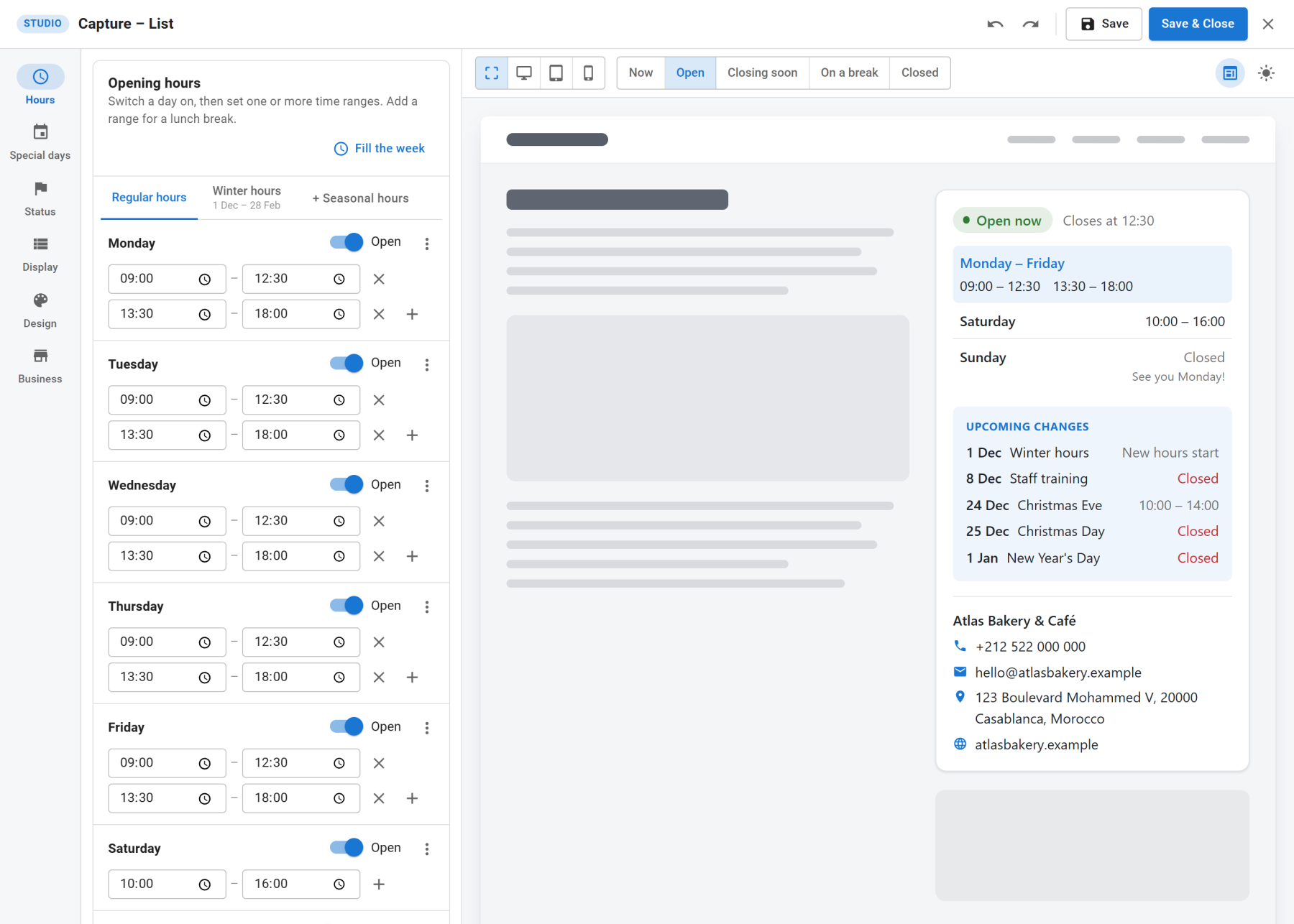
- Sections (left rail): Hours, Special days, Status, Display, Design and Business.
- Settings (middle): the panels of the chosen section.
- Preview (right): the module as visitors will see it, inside a mock page.
- Top bar: undo, redo, Save, Save & Close and close (×).
The preview
The preview is drawn by your site, from your unsaved settings, with the module's own layout files. Template overrides you made for the module show up here too.
Above the preview:
- Width: fit to the panel, desktop, tablet or phone.
- State: Now shows the current status. Open, Closing soon, On a break and Closed jump to the next moment that state happens, so you can read every message. If a state never happens in the next two weeks, the Studio says so.
- Show inside a page: switch the mock page on or off.
- Dark page: puts the module on a dark page. If the colour scheme is Light, the module keeps its light colours, and a notice offers to switch to Follow visitor.
The preview needs the plugin System - NextSoftware Smart Modules, which the installer enables. If it was switched off, the preview shows a notice with a link to the plugin.
Saving
Save and Save & Close in the Studio do the same as Joomla's toolbar buttons. Closing the Studio with × or Escape keeps your changes in the form; they are stored when you save the module.
Undo (Ctrl+Z) and redo (Ctrl+Shift+Z) cover every change made since the Studio was opened.