Phone app
On a phone, Next Boards opens as an app made for a small touch screen. It is not the desktop pages shrunk to fit. There is nothing to install and nothing to configure: open the same address in the phone's browser and the phone app loads, full screen.
A phone means a screen narrower than 600 pixels. Tablets get the full version.
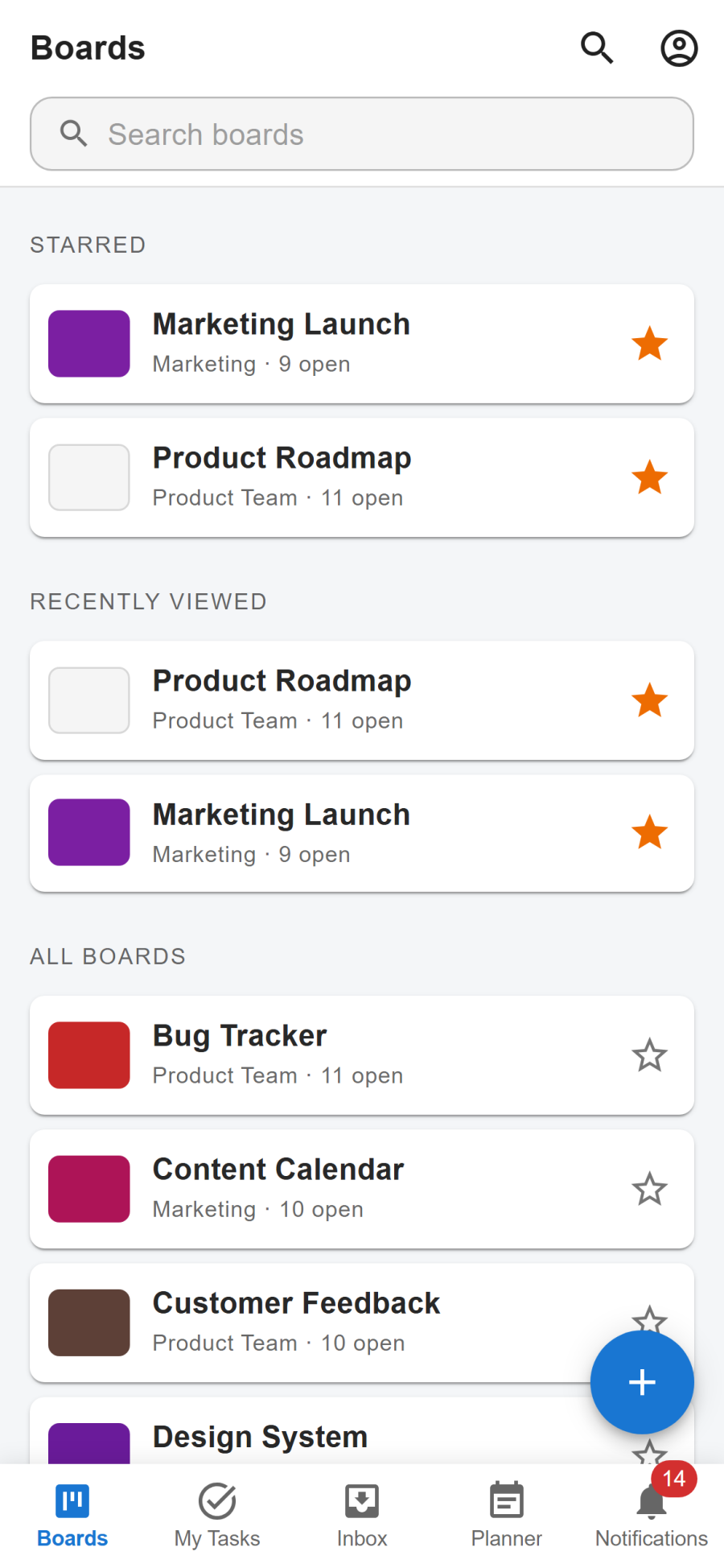
The five tabs
| Tab | What it is |
|---|---|
| Boards | Starred, recently viewed and all boards as rows, with a search. The + button starts a new board from the Kanban template. |
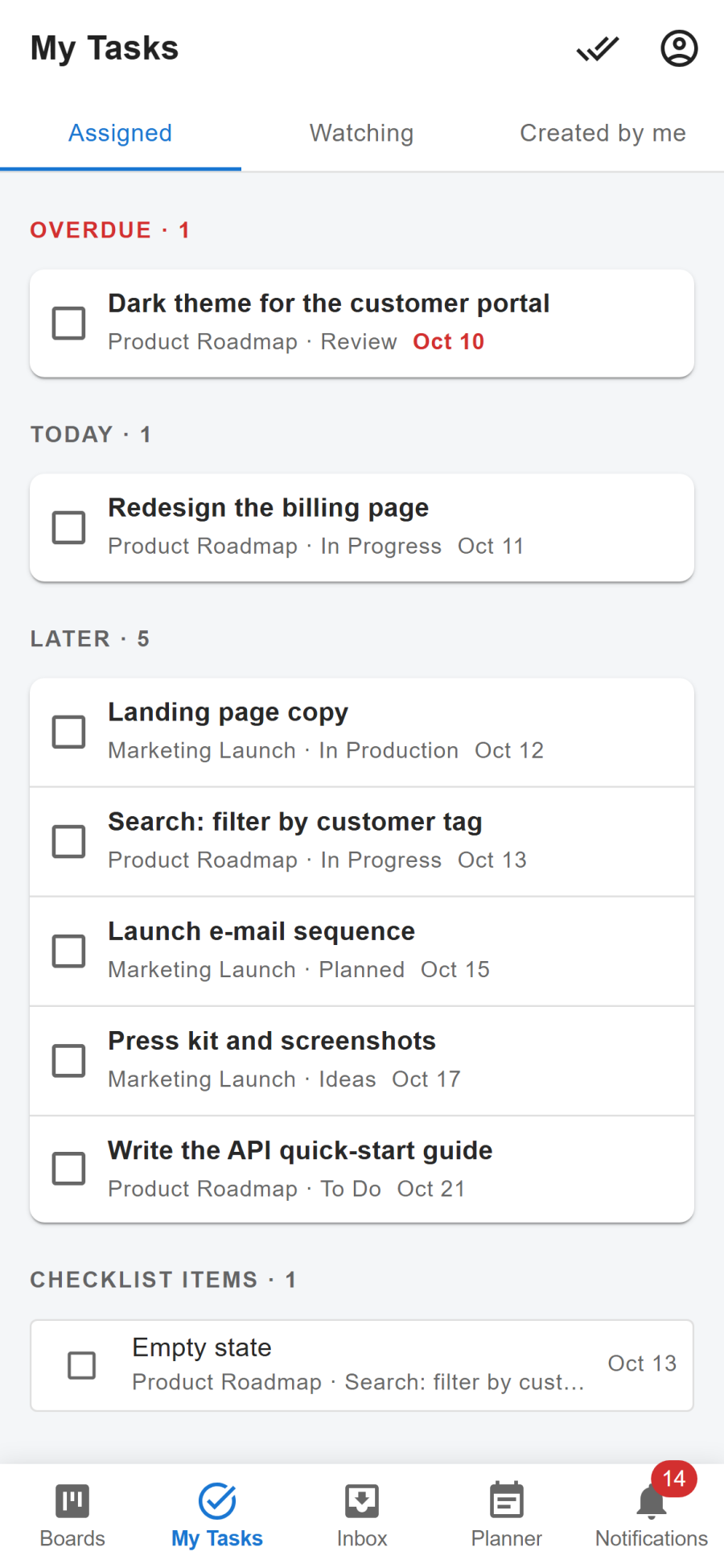
| My Tasks | The cards and checklist items assigned to you, by due date. |
| Inbox | Your private Inbox, with quick add. |
| Planner | Your time blocks, one day at a time. |
| Notifications | Your notifications. |
Cards open full screen, with everything the desktop card window has: description, checklists, comments, attachments, dates and members.
Board layouts
A board on a phone can be shown in three ways. Choose in the board's menu or in More; the choice is yours alone and is remembered on that phone.
| Layout | How it looks |
|---|---|
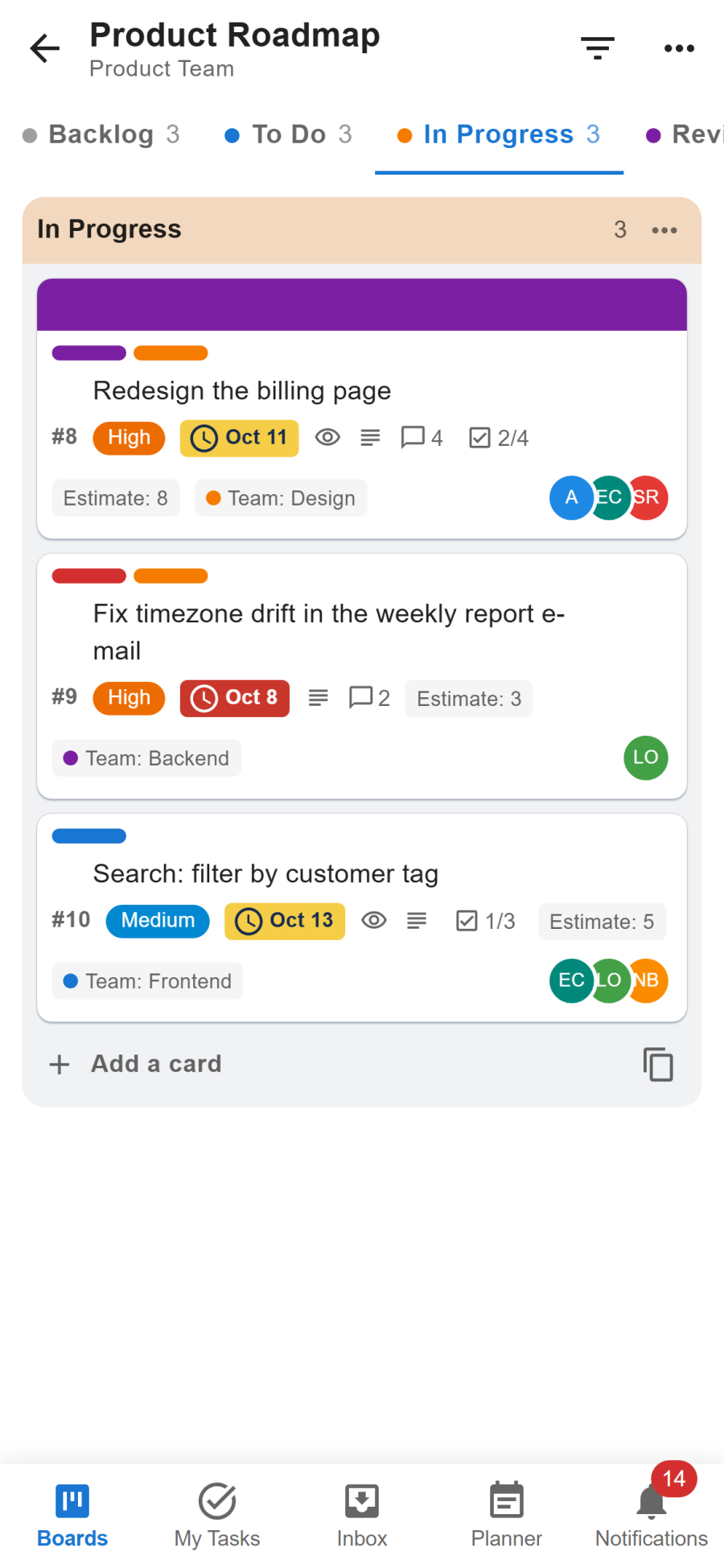
| One list at a time (default) | One full-width list, with the lists as tabs above it. Swipe sideways or tap a tab to change list. |
| Columns | The lists side by side, the next one peeking in at the edge. |
| One list, grouped | Every card in one scrolling list under its stage heading. Tick cards done in place. No dragging in this layout. |
Moving cards with a finger
Press and hold a card for a moment, then drag it. A plain swipe scrolls, so you never move a card by accident while scrolling.
More
The account button at the top of each tab opens More: the workspace switcher, the board layout, the light or dark theme, Install app, and Open full version.
What is in the full version only
The phone app keeps to everyday work. Board settings, automation, the List, Calendar and Roadmap views, the dashboard, reports and all administration are in the full version.
- Open full version in More switches to it. A link that leads to one of those pages offers the same.
- To come back, open the More menu in the full version's header and choose Phone version.
The choice is remembered on that phone until you switch again.
Installing it on the home screen
When the site administrator has switched the installable app on, Install app in More adds Next Boards to the phone's home screen with its own icon. It then opens without the browser's address bar and keeps working when the connection drops. See Offline use and the installable app.