Installable App and Offline Use
On a site served over HTTPS, Next Task can be installed on a phone, a tablet or a computer like an app: its own icon, its own window, no browser bars. Lists and tasks you looked at recently stay readable when the connection drops.
Installing It
Open Next Task in the browser, signed in, and use the browser's own install command:
- Chrome, Edge (desktop): the install icon in the address bar, or the menu > Install Next Task.
- Chrome (Android): the menu > Install app or Add to Home screen.
- Safari (iPhone, iPad): the Share button > Add to Home Screen.
Installed from the administrator, the app opens the administrator; installed from the site's menu item, it opens the site. Either way you sign in with your Joomla account as usual.
On a Phone
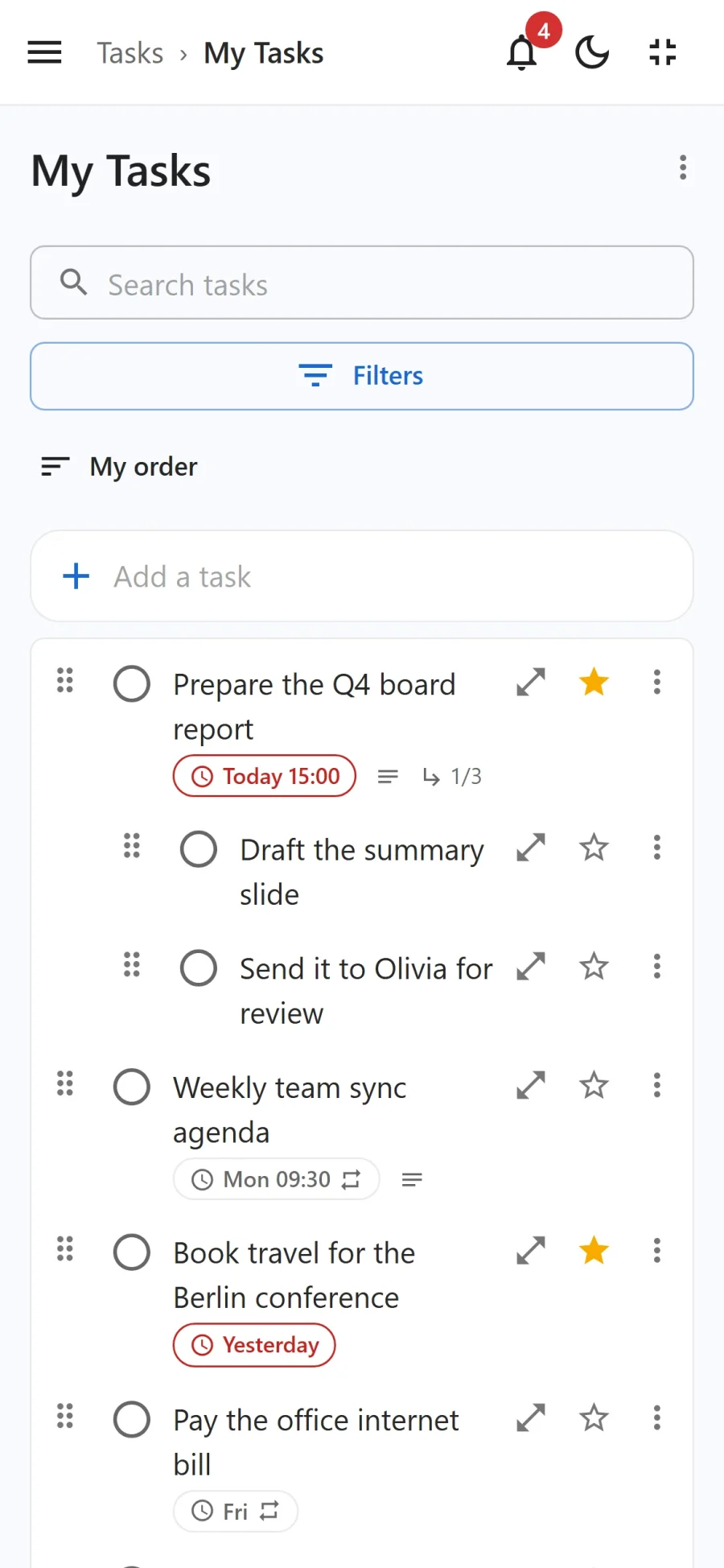
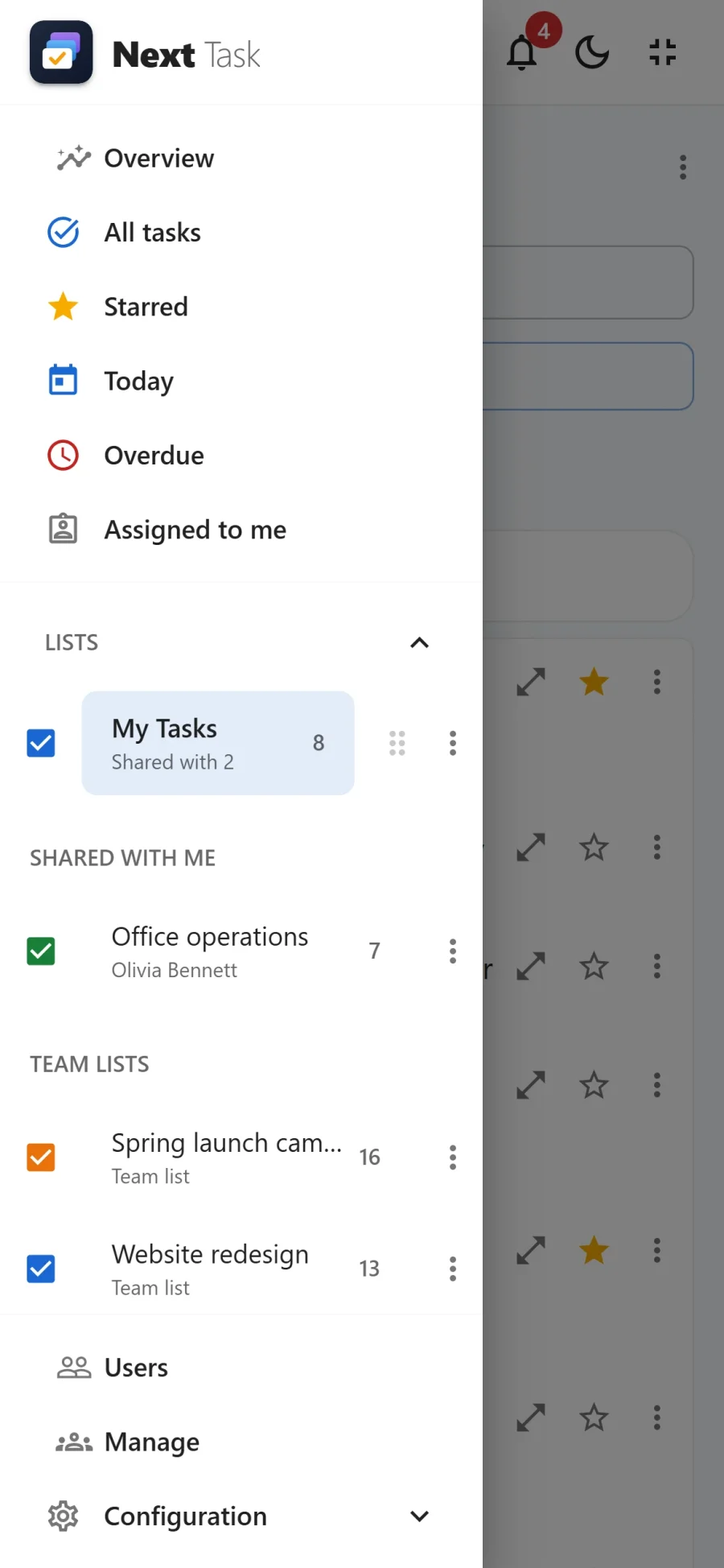
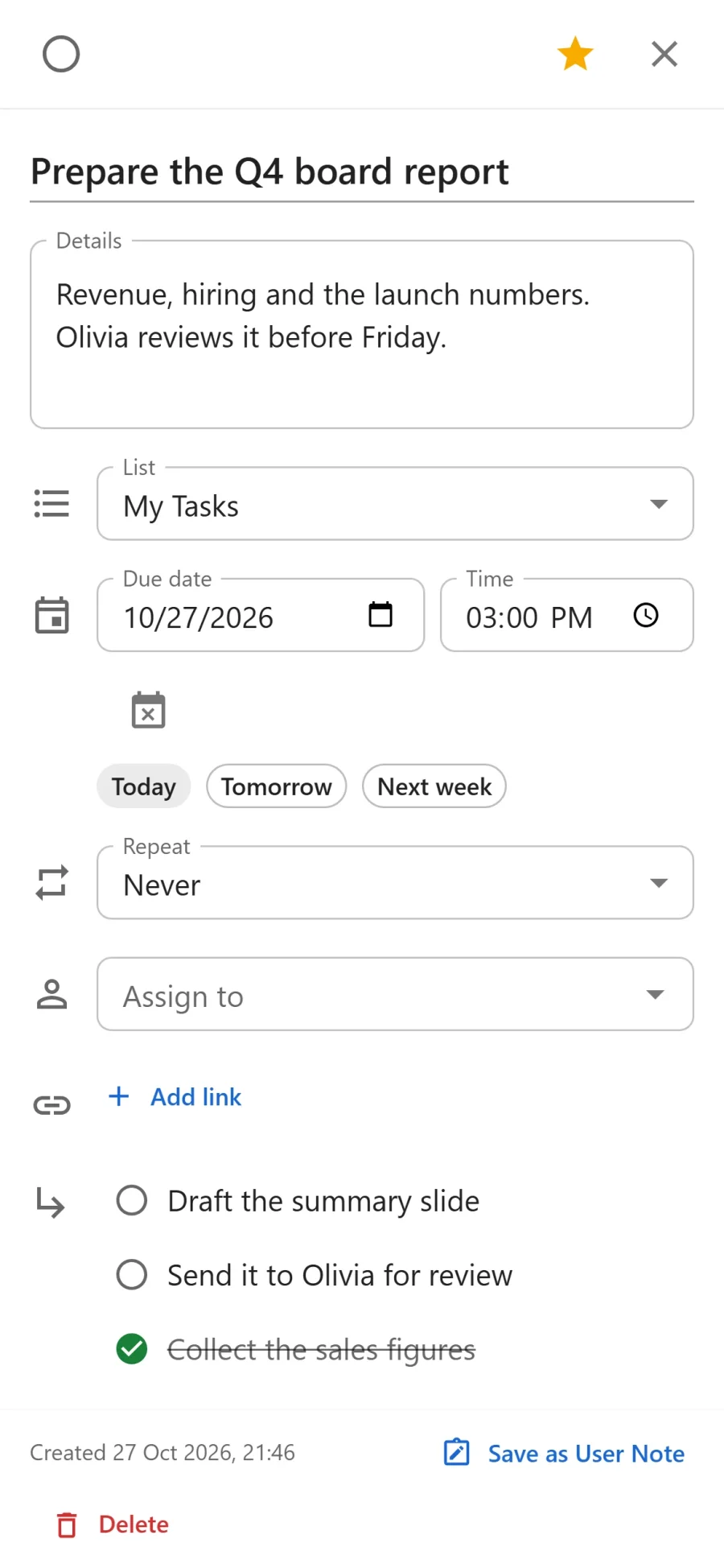
The layout follows the screen: the navigation and the lists panel move into a drawer behind the menu button, the task drawer fills the screen, and the board scrolls with a swipe.
Offline
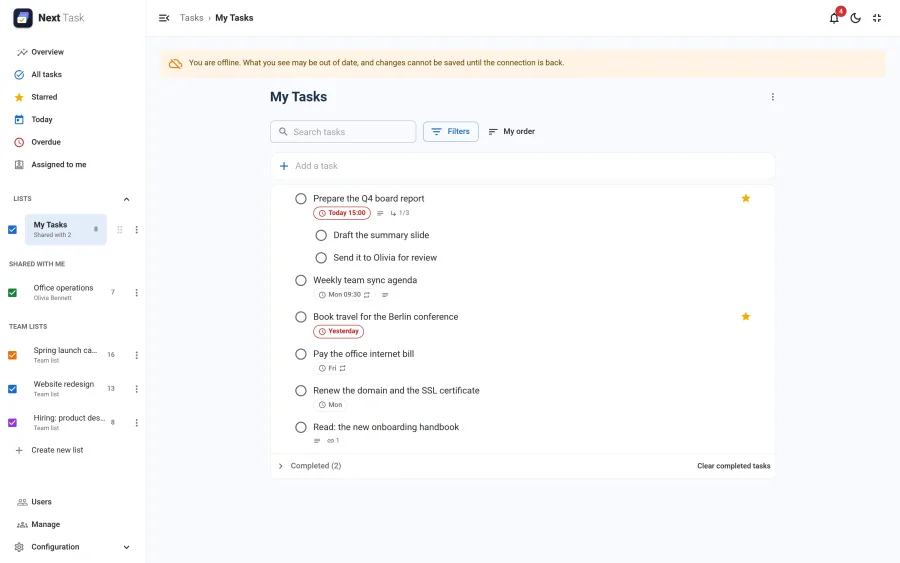
- A banner says when you are offline. What you see may be out of date.
- Lists and tasks you opened recently (in the last day) can still be read.
- Changes are not saved while offline: the app says so plainly ("You are offline: the change was not saved"), rather than pretending and losing them later. Try again when the connection is back.
Updates
When a new version of Next Task is installed on the site, the app shows A new version of Next Task is ready with a Reload button. Nothing needs reinstalling.
Switching It Off
The Installable App is an app of its own. Switched off in the App Manager, installed copies stop working offline: their cache is removed on the next visit. See Installable app (configuration).