Notifications
Next Restaurant sends two kinds of email: transactional messages to guests, and operational alerts to staff. Both use Joomla's own mailer, so whatever you have configured under Global Configuration → Server → Mail is what sends them.
Guest emails
Reservations
Bookings drive their own emails from the status state machine:
| Trigger | |
|---|---|
| Booking created | Confirmation with the date, time, party size and venue details |
| Approaching the booking | Reminder |
| Status change | Notice of confirmation, change or cancellation |
Because the transitions are defined rather than free-form, a guest never receives "your table is confirmed" for a booking that was already cancelled.
Emails are rendered as responsive HTML with inline styles, so they survive the mail clients that strip stylesheets — which is most of them.
Nothing is sent where there is no address. A walk-in recorded without an email simply doesn't trigger one; the send is skipped rather than failing.
Orders
Order confirmations and status updates go to the address supplied at checkout. QR table orders follow the same path where the guest gave an address.
Staff emails
Low-stock digest
When stock items fall below their par level, a digest is emailed to subscribed users listing what is low.
The digest is rate-limited to at most one in twenty-four hours. That limit is what makes the alert useful — a single item hovering at its par level would otherwise generate a message on every check, and an alert that arrives constantly is an alert nobody reads.
Recipients are users who have opted in to low-stock alerts in their notification preferences.
Reservation notifications
Where a location has a contact email, staff at that venue are notified of new and changed bookings, so front of house sees a booking without watching the admin.
In-app notifications
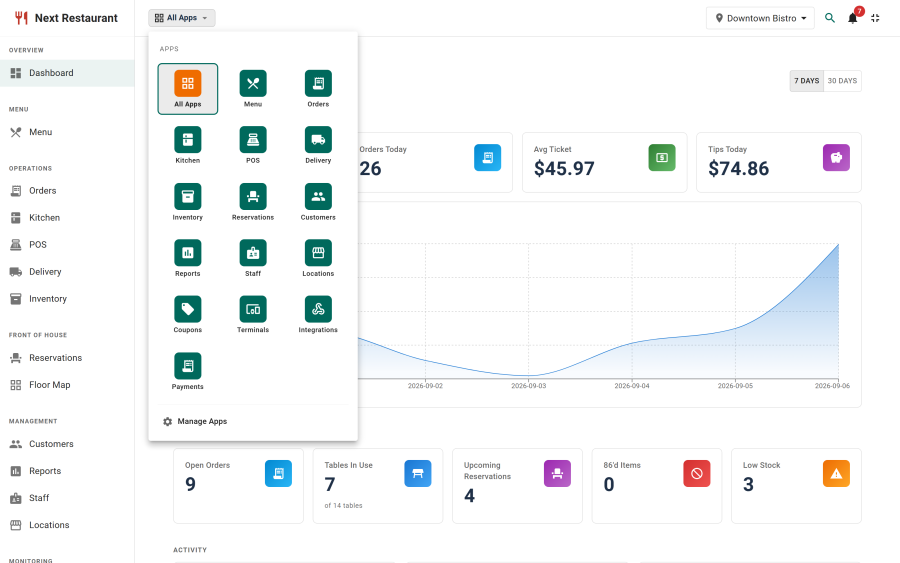
Alongside email, the admin has a Notification Centre — the bell in the header — for events that matter but don't warrant an email. Each user sets their own preferences under Notification Preferences, so the same event can email one person and merely appear in the centre for another.
Configuration
Under Settings → Notifications:
- Which events send email.
- Who receives operational digests.
- Per-user preferences, set by each user in Notification Preferences.
Making sure mail actually sends
Most "notifications aren't working" reports are Joomla's mail configuration rather than Next Restaurant. Check in this order:
- Joomla can send mail at all. Global Configuration → Server → Mail — send a test.
- The From address is one your domain is allowed to send as. A From address on a domain with strict SPF or DMARC that your server isn't authorised for will be silently dropped by the recipient, which looks exactly like the mail never being sent.
- Use SMTP with authentication rather than PHP's
mail()on any production site. Transactional mail from a shared host's sendmail is the least deliverable option available. - There is an address to send to. No guest email, no guest email sent — by design.
- The rate limit hasn't suppressed it. The low-stock digest sends at most once a day.
See also
- Reservations — the status state machine behind guest emails
- Inventory — par levels and low-stock alerts
- Settings — the notifications tab